
CDN Links
One Asset on Every Channel, Zero Reuploads
Trusted by Leading Brands in Australia

























































































Easier Management, Faster Delivery
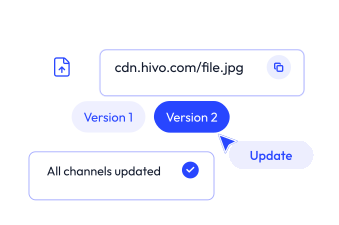
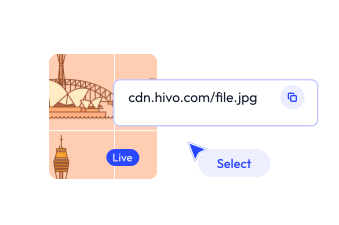
Most teams still download a file from their asset library, upload it to a website, and repeat that cycle every time the asset changes. That process creates version sprawl, wastes storage and introduces errors.CDN Links remove that cycle entirely. You host an asset once in HIVO. You generate a public CDN URL and place that URL wherever the asset needs to appear. When the source asset updates in HIVO, every published location reflects the change without manual intervention. The result: one source of truth for every published asset across your entire digital footprint.
.svg)


How CDN Links Work in HIVO

Generate a Link in Seconds
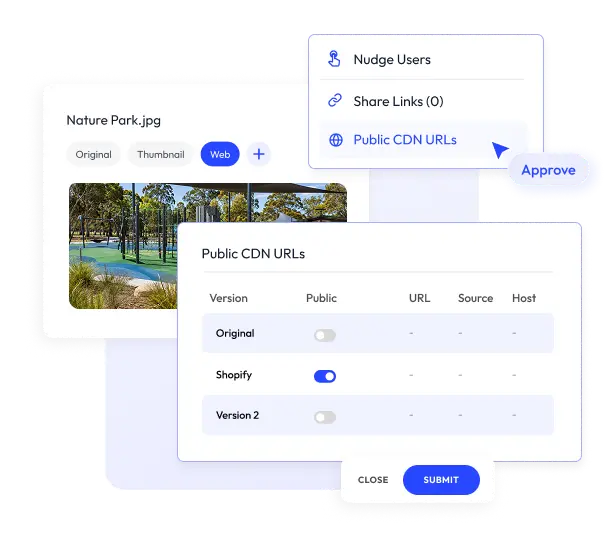
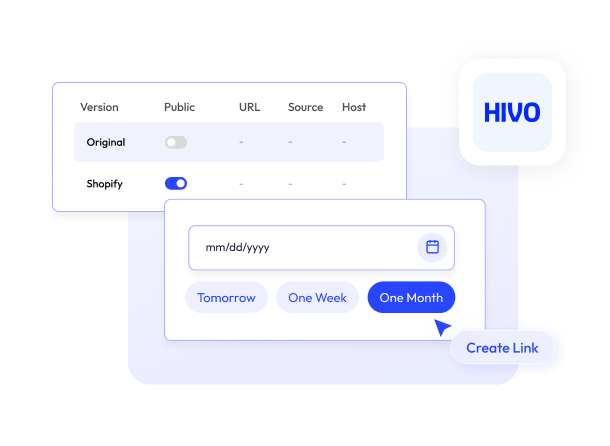
Open any asset in your HIVO library. Switch to the Share tab and select Public CDN URLs. Toggle the public status to ON for the version you want to publish. HIVO generates a direct CDN link automatically. Copy it and use it immediately.

Publish in Bulk
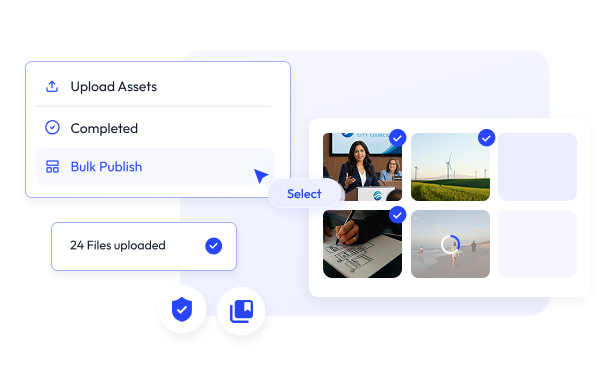
Select multiple assets in your library, click the Action button, and choose Get Public CDN URLs. HIVO generates links for every selected asset in a single operation. You can also create a collection of assets that need public links, then generate CDN URLs for the entire collection. This approach works well for product catalogues, campaign asset packs and recurring content sets.
Control Who Can Publish
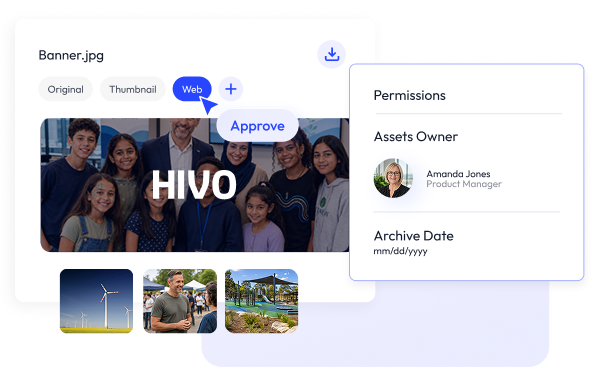
CDN Links respect your permission structure. Only users with the Can Make asset public or Can make all assets public rights can generate public CDN URLs.
Dynamic Sizing & Transformation
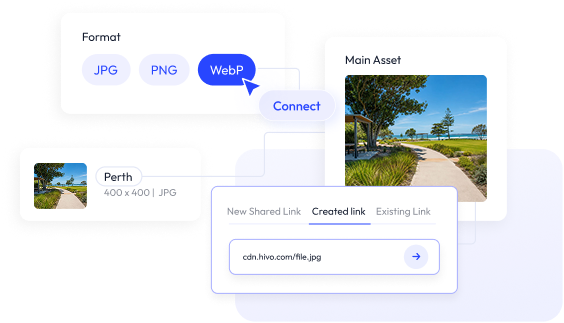
Every CDN link supports on-the-fly transformations. Append parameters to the URL to resize, reformat or adjust quality without touching the original file.
Embed-Ready Links for Video
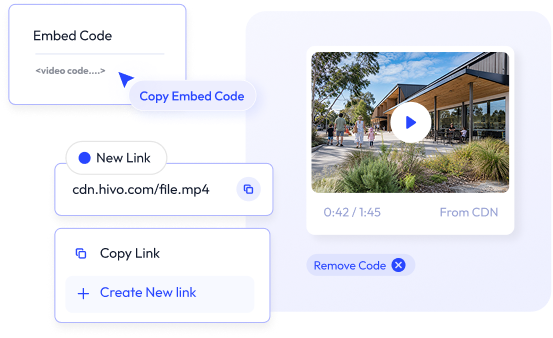
HIVO generates video CDN links as embed-ready code. Drop the code into any website or CMS without additional tooling. The video plays from the CDN, not from a local file or third-party host.
Expired Asset Placeholder
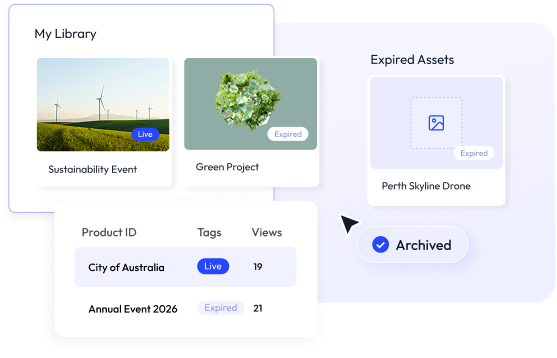
When an asset is deleted, archived, or has an expired licence, its CDN URL stops displaying the original image. HIVO replaces it with a placeholder image that you configure in Archive Settings. Supported placeholder formats include PNG, JPEG, GIF and WebP up to 10 MB. This prevents broken images on live websites and gives you control over what appears when an asset is no longer valid.
Export Link Data
HIVO lets you export CDN link data in Excel or CSV format. Use this for auditing, reporting or sharing link inventories with partners and stakeholders.

Performance and SEO Benefits
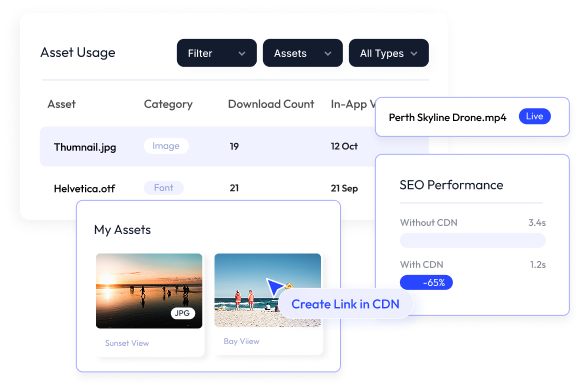
HIVO’s CDN Links module delivers assets from a content delivery network which serves files from locations closer to the end user. This reduces latency and improves page load times. Faster page loads contribute to better Core Web Vitals scores, particularly Largest Contentful Paint (LCP). Search engines reward faster pages with better crawlability and rankings. And because every CDN link points to the current version of an asset in HIVO, you eliminate the risk of stale or outdated files appearing on live pages.
Frequently Asked Questions about CDN Links
Can I generate CDN links for multiple assets at once?
What happens when I update an asset in HIVO?
Can I control what appears when an asset expires?
Do CDN Links work with video?
Can I resize images without creating new files?
When should I use a CDN link?
What are the benefits of using a CDN link?
Ready to Organise Your Content Chaos?
Book your personalised platform demo with our team to see how 200+ AI-ready Australian teams use the HIVO Digital Asset Management platform.

Personalised branded demo account in action

Free consultation with HIVO product leaders

No-commitment, tailored pricing plan